

Bug Report
Describe the issue: Images are loaded at extremely low resolution.
Steps to reproduce:
- Find a post with an image, preferably with text.
- Touch it to open it full screen to see the details or read the text.
- Observe the meagre amount of pixels (see example above).
- Squint to try to read the text.
- Fail due to pixel insufficiency.
- Despair.
- Touch “open external” to open the post on the browser (https://mander.xyz/post/43475080 for the attached example).
- Open the image in the browser.
- Marvel at the difference in resolution compared to the one opened in the app.
Device Information
- App Version: 1.0.298 (298)
- Platform: android
- OS Version: SKQ1.220303.001 test-keys
Modified Settings
The following settings have been changed from defaults:
- alwaysShowInstance:
true(default:false) - alwaysTrustDomains:
true(default:false) - shouldUseHighRefresh:
false(default:true) - shouldShowPageNumbers:
true(default:false) - mediaSecondaryAction:
download(default:none) - isVolumeNavigationEnabled:
true(default:false) - shouldAlwaysDisplayAvatars:
true(default:false) - shouldHighlightNewComments:
true(default:false) - nsfwView:
show(default:blur) - applyNsfwInCommunities:
false(default:true) - cardType:
fullwidth(default:card) - postActions:
[](default:[]) - shouldRemembercommentPosition:
false(default:true) - shouldResolveOpenGraph:
true(default:false) - shouldDimBrightBackgrounds:
false(default:true) - shouldForceBlackImageBackground:
false(default:true) - maxCacheSizeGB:
1(default:2)
You must log in or # to comment.
This should be fixed in last night’s release v299 but let me know if it’s still happening. Cheers!
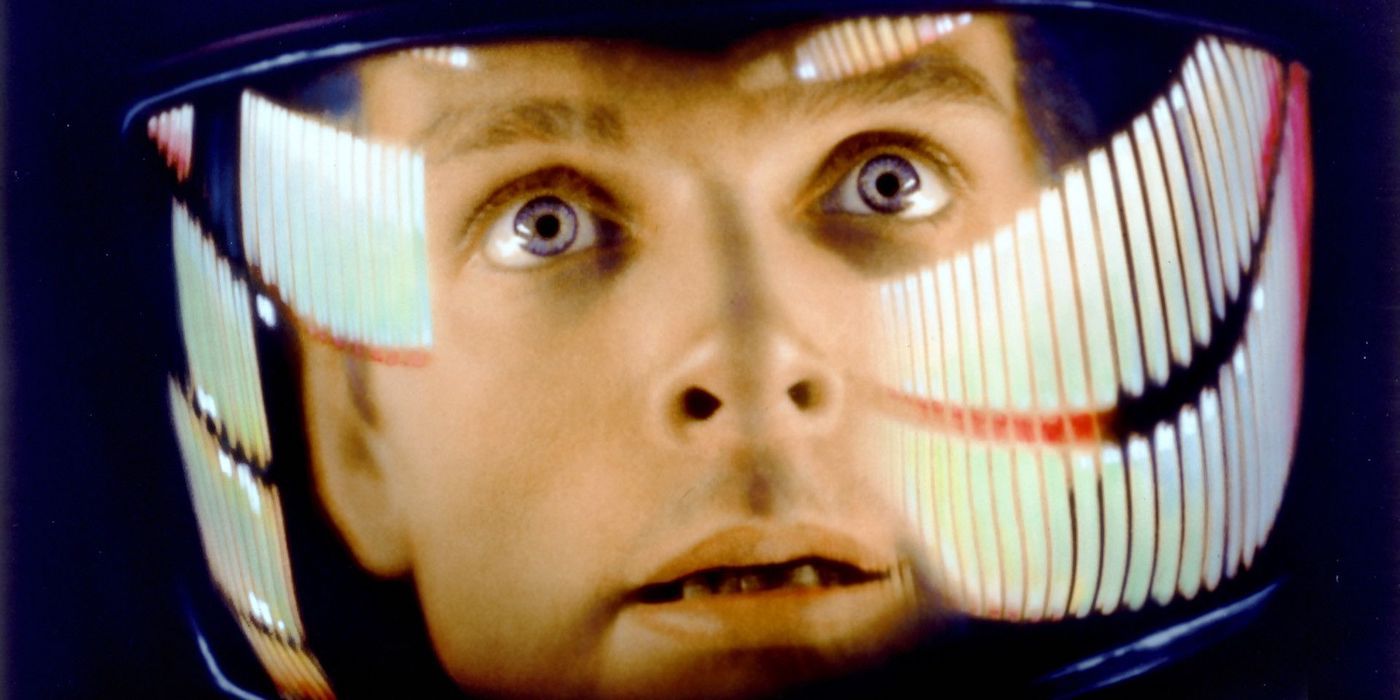
My god, it’s full of pixels!
Sorry, the app hadn’t auto updated and I hadn’t thought to look for an update on google play.
It’s working perfectly now, thanks!
Glad to hear it! And thank you for using the Bug Report function. Cheers!

