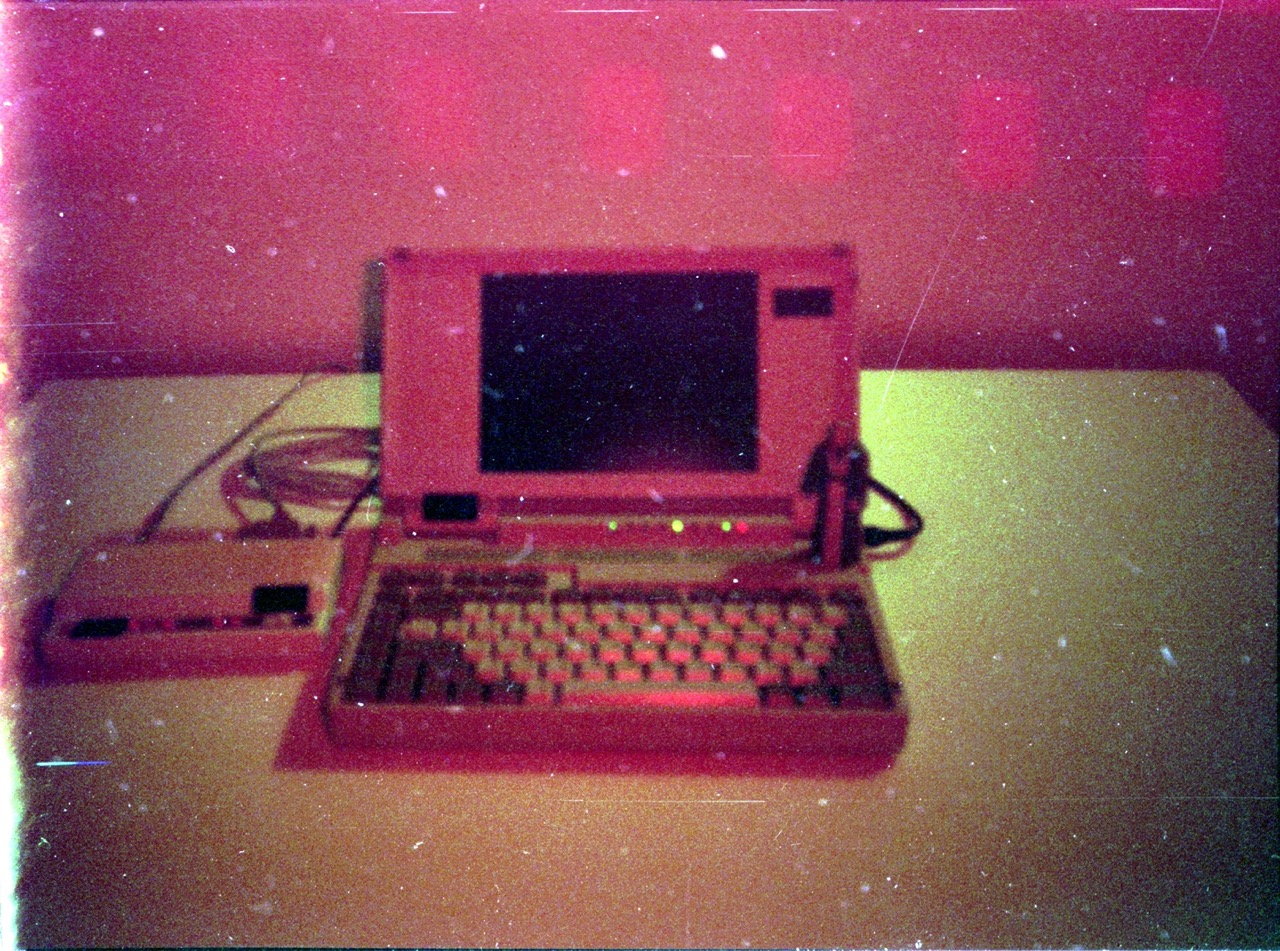
Are either of the USB->IDE adapters ones with a second USB plug for more power? A long time ago I had issues using an adapter that didn’t have a second plug as it wasn’t supplying enough power to properly spin up the drive.
bzLem0n
- 0 Posts
- 18 Comments
Joined 3 years ago
Cake day: June 12th, 2023
You are not logged in. If you use a Fediverse account that is able to follow users, you can follow this user.

 11·1 year ago
Kobo is owned by Rakuten, a Japanese company. Still a much better choice than Amazon though.
I’d suggest trying out Bazzite Linux. It’s the closest to SteamOS and has a lot of tweaks already installed.

 74·2 years ago
Snapdragon is an ARM CPU which means if you can find a distro to run on it, it’ll likely be an Android custom ROM, whereas Celeron is x86 and should run most Linux distros without issue.
The package is just a systemd unit to run the command
python zenstates --c6-disableso if you install the zenstates-git package and get runit to run that command at startup it would be equivalent.
I have a system with a Ryzen 1700 with the same issue and have found the only reliable way to run it is by installing and enabling the disable-c6-systemd package from the AUR. The other fixes provided in the wiki article you linked are correct but aren’t sufficient on my system, the CPU keeps reenabling the C6 state on its own and the disable-c6-systemd package works to counter that. The reason it works on Windows is they’ve disabled the C6 state by default for the CPU.
Caldera Open Linux 2.(?) back around 98/99, for long enough to download Slackware and Win98SE.
 8·2 years ago
Same here. I came for the integrated ZFS support and stayed for the declarative config.
It’s even easier to prevent confusion if you use /dev/disk/by-id/ id’s, it only took a few times of overwriting the wrong disk to figure that out.
 1·3 years ago
Did you make sure it is a bash script, starting with a shebang, and is executable.
You should put the aliases in
/etc/profileor create a file in/etc/profile.d/for them. Most modern shells will source /etc/profile which in turn sources the files in /etc/profile.d/, so that’s the best spot for things like aliases for all users. See the Arch Wiki page Command-line shell, specifically sections 4 and 5.

 7·3 years ago
Nix, it’s one of the few featuring reproducible builds.
The only game soundtrack I ever recall make a point of listening to is from Faster Than Light, it’s some really good ambient music.
I really enjoy using NixOS as it is good at what it does, declarative system configuration, but it does have issues that can prevent people from using it. It’s great if you want to put the configuration for all your computers in one git repo but that configuration is in the Nix language so you will eventually need to become familiar with the Nix language. The main issues are that the documentation needs work and understanding the difference between the Nix operating system, the Nix language, and the Nix package collection as the more you use NixOS the more familiar you will need to be with each.
That said, I find it worth learning and recommend some of the following resources for NixOS.
MyNixOS for graphical configuration management. See my configs there.
NixOS Wiki for the best collection of NixOS documentation. I’ve found this collection of people’s configurations to be very useful for inspiration.
The manual pages for the Nix language, Nix packages, and NixOS.
NixOS on everything but my Steam Deck which is running SteamOS.
You might want to check out this NixOS discourse thread, it sounds like your issue may be related.